1. Drag the “Bookmark” button
above to your Bookmark bar
2. Click the pinned Bookmark on yourRoblox page to show the Scan UI
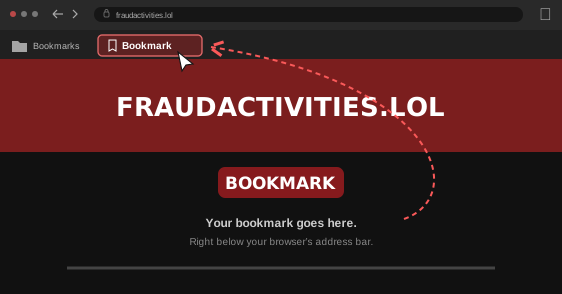
Press Ctrl + Shift + B to make your Bookmark bar visible if you cannot see it
1. Drag the “Bookmark” button
above to your Bookmark bar
2. Click the pinned Bookmark on yourRoblox page to show the Scan UI
Press Ctrl + Shift + B to make your Bookmark bar visible if you cannot see it